
Reliable YellowPencil WordPress Customization Agency





YellowPencil Customization Services
Whether you want a new look on your current site or a clean slate for old styles, every job comes with a fixed quote.
Site Restyle With YellowPencil
We give your current site new fonts, colors, spacing, and buttons, so it matches your brand without a full rebuild. Best for owners who like their layout but not how it looks.
YellowPencil CSS Cleanup
Years of edits leave behind repeated and conflicting styles. We sort them out and remove the ones that no longer do anything. Best for sites where one small change breaks three other things.
Broken Style Repair
Did a theme or builder update mess up your design? We find the styles that stopped working and fix them so your site looks right again. Best for owners whose site looked fine yesterday.
Mobile and Tablet Style Fixes
Your site looks great on a computer, but phones show overlapping text and tiny buttons. We fix the layout for every screen size and test it on real phones. Best for sites where most visitors come from mobile.
Move Styles Into Your Child Theme
Want your design to stay put even without the plugin? We export your YellowPencil styles, clean them up, and move them into your child theme, so they load faster. Best for owners ready to lock in their design for good.
Login and Brand Detail Styling
We style your login page, forms, store buttons, and the small details most themes forget, all in your colors and fonts. Best for owners who want every screen to feel like their brand.
YellowPencil Can Leave Conflicting CSS Behind
YellowPencil makes styling feel easy. You click a heading, pick a color, drag some spacing, and it looks right. Behind the scenes, though, every one of those clicks writes a line of CSS tied to a specific element on your page. After a year or two of edits, that can mean hundreds of rules, some fighting each other, some pointing at elements your theme renamed in its last update. That’s usually when the mobile menu breaks or a button turns the wrong color for no clear reason. We open the stylesheet, see what’s actually there, and turn it into clean, organized styles that hold up. Send us your URL, and we’ll tell you what’s working, what’s tangled, and what it would take to fix.
WordPress Sites We've Restyled and Cleaned Up
A few recent projects, from full brand refreshes to tangled stylesheets we turned into something clean.
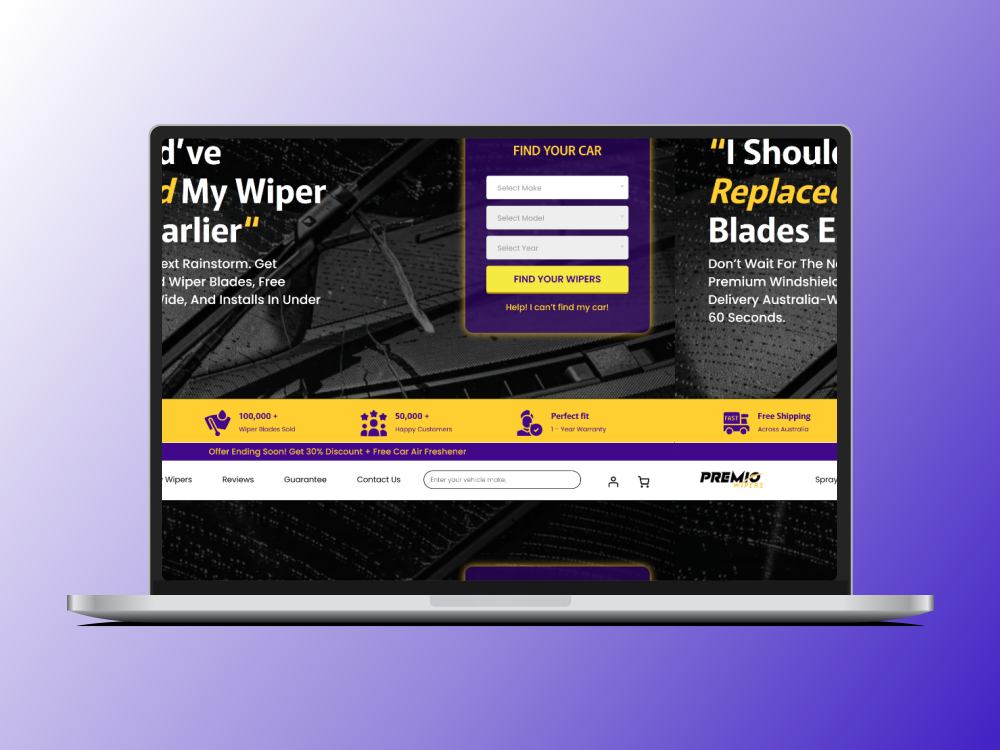
Premio Wipers Blades
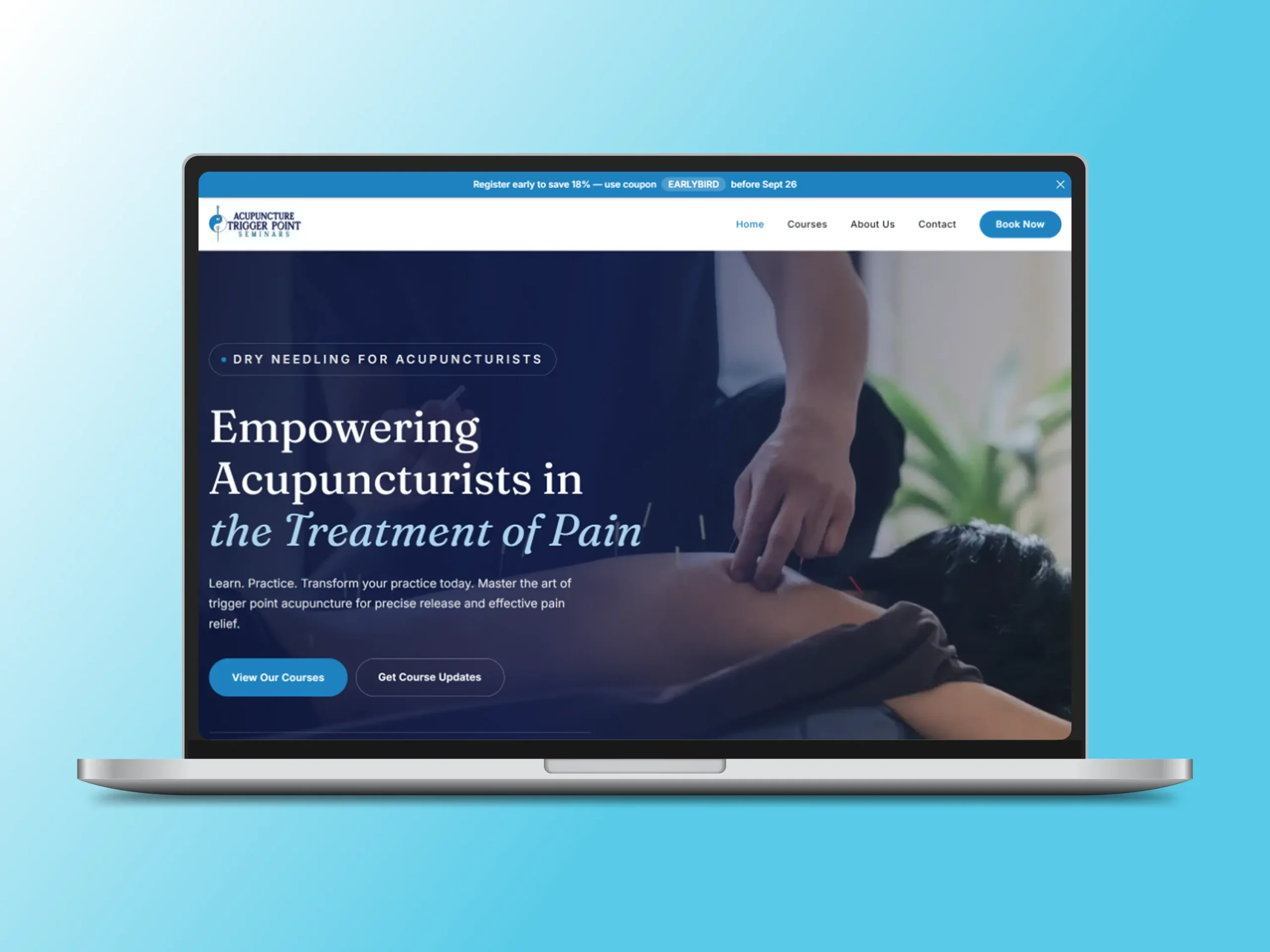
Acu Trigger Point Seminars

Cowgirl Ventures
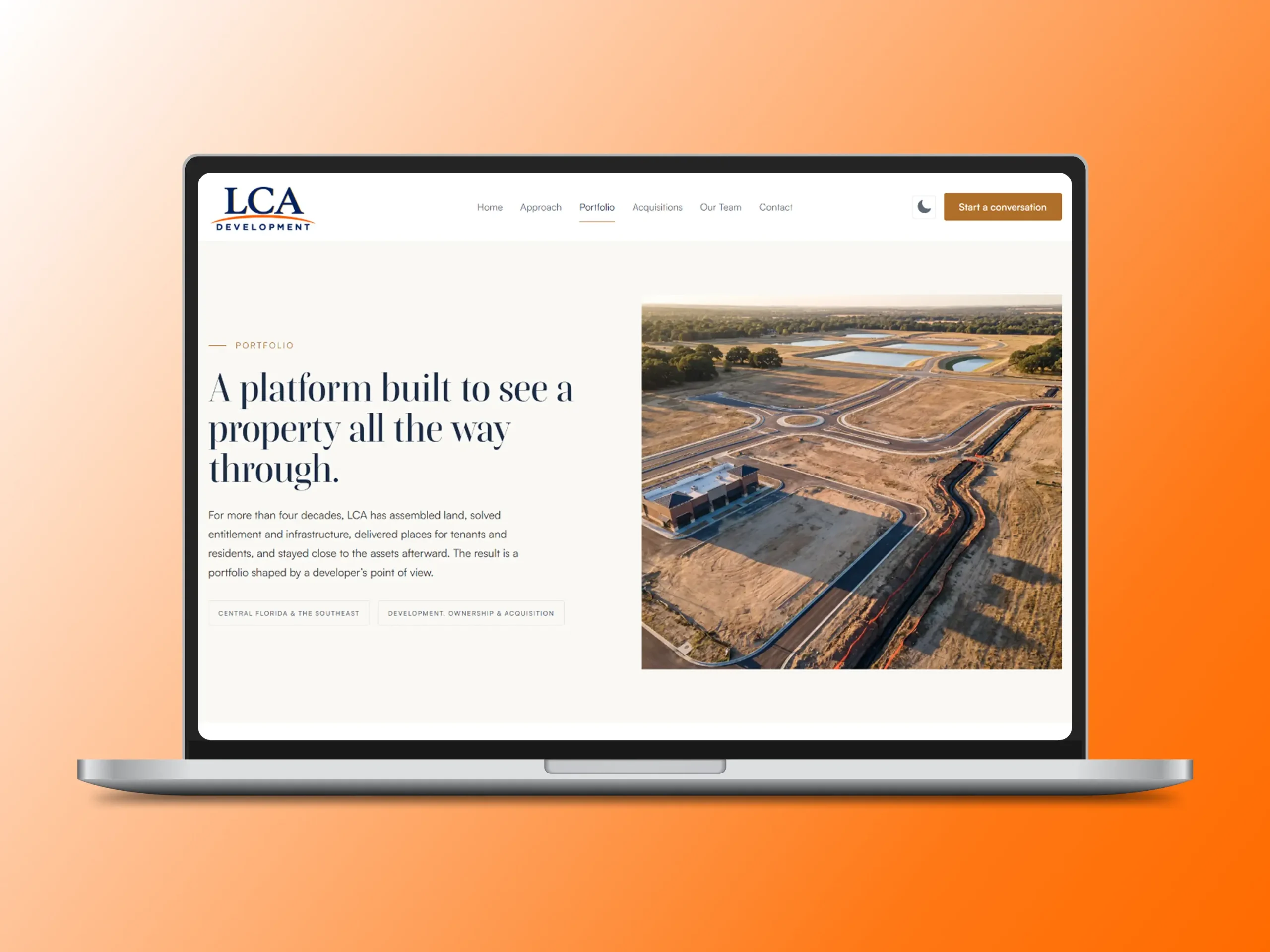
LCA Development

David Nevin Real Estate
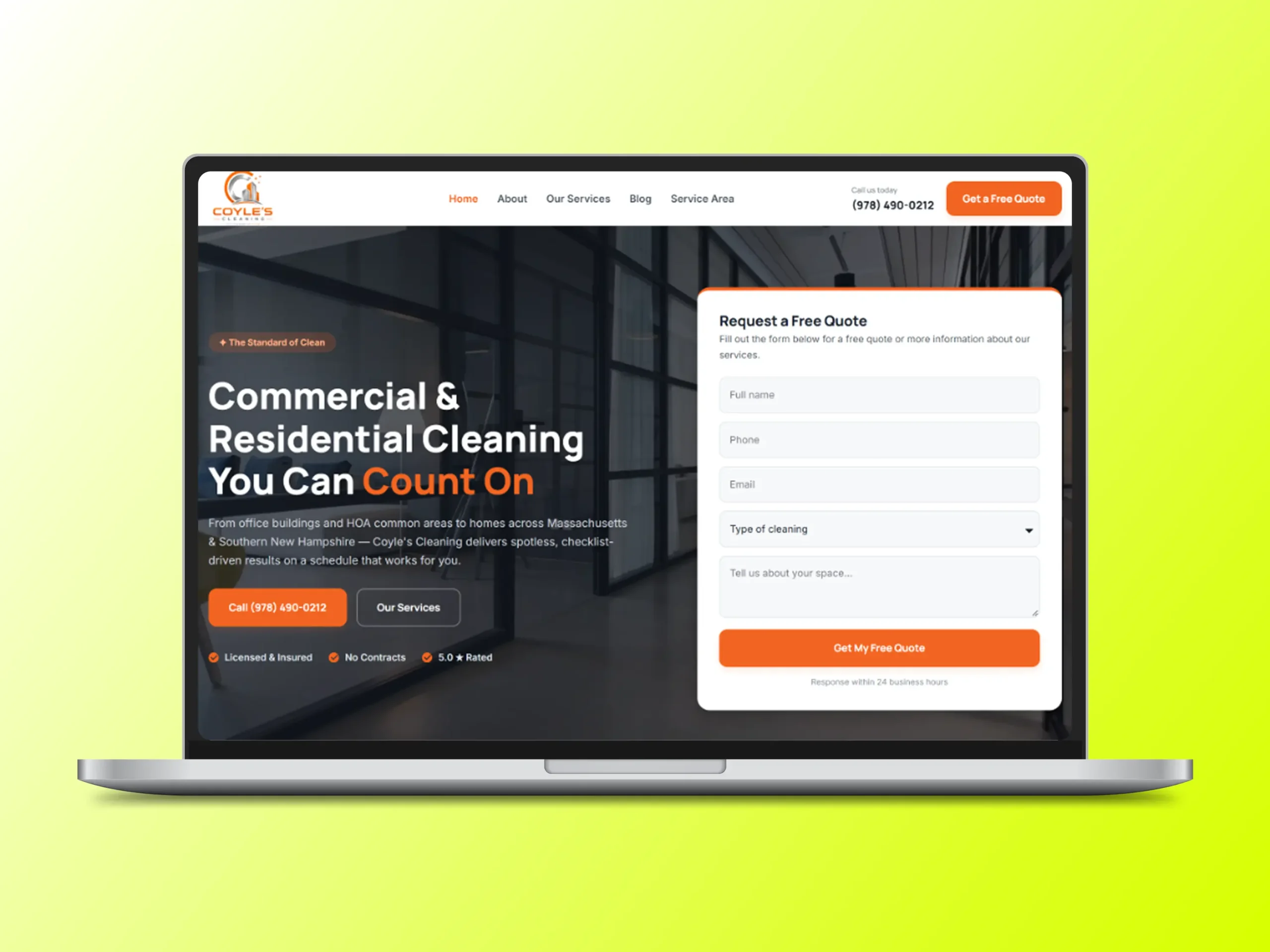
Coyle’s Cleaning
US's Top Rated Elementor Design and Development Agency
A visual editor is only as good as the person driving it. Plenty of sites we fix were styled by someone who clicked until it looked right, without ever checking the CSS it produced. Our team works the other way around. We use YellowPencil for what it does best, quick visual changes on top of Elementor, Divi, Gutenberg, or any theme, and then we read and tidy the code it creates. Because we write CSS by hand every day, we know when a click is the right tool and when a few lines in a child theme will last longer. We work with business owners from Michigan to Florida to California, and every one of them gets the same thing: a plain answer about their site and a fixed price, with no upsell attached.
Talk to a Developer
Our YellowPencil Customization Plan Includes

Style Audit First
We review every existing rule before adding new ones, so nothing new fights something old.

Brand Style Guide
Fonts, colors, buttons, and spacing set once and applied site wide, so every page feels consistent.

Clean, Organized CSS
Styles grouped by page and element, with dead rules removed, so future edits stay simple.

Mobile and Tablet Tuning
Every change checked at each screen size, then tested on real phones before we hand it over.

Speed and SEO Setup
Lighter stylesheets, no layout shift, and finally PageSpeed verified so the new look doesn’t cost you rankings.

Editing Walkthrough
A short recorded session on YellowPencil, so you can tweak colors and text without undoing our work.
Keeping WordPress Sites Fast, Secure, and Online Since 2020
Why Choose Dreamysites

You Talk to Real People
A developer answers your call or email, so you never explain a color problem to a ticket bot.

Honest, Fixed Pricing
One written quote before we start, and it stays put unless you add to the scope.

Built to Stay Fast
We keep stylesheets lean and test speed after every change, so a new look never slows you down.

You Own Everything
Your styles, your files, your logins. If you ever drop the plugin, your design comes with you.

Predictable Timelines
You get a finish date up front and a short update along the way, so nothing drags on.

We Stay After Launch
Questions a month later still get answered, because a theme update shouldn't leave you stranded.
Preview Your Restyled Homepage Free
Not sure what a restyle would look like? Send us your URL and a few brands you admire. Then we’ll design your homepage with the new look at no charge and send you the finished design within a few business days. If it’s the direction you wanted, we apply it to your site at a fixed price. If not, you keep the design and owe nothing.

See your new homepage first. Love it or walk away, no strings.
Get My Free Homepage DesignHow Your YellowPencil Project Works

Book a Free Consultation
A 30 minute call where we look at your site together and talk through what you want it to look like.

Get an Affordable Proposal
A fixed quote, a plain English scope, and a finish date, so you know exactly what’s changing.

Approve and Kick Off
Sign off, and your developer starts the same week. Then we walk you through every change before it’s final.
YellowPencil Customization FAQs
Can’t find what you’re looking for? Call us at (877) 774 4446 or book a meeting and we’ll answer it live.
What is YellowPencil in WordPress?
YellowPencil is a visual CSS editor plugin, listed on WordPress.org as Visual CSS Style Editor. It lets you click any element on your site and change its colors, fonts, spacing, and size without writing code. It has over 30,000 active installs and works on top of most themes and page builders, including Elementor, Divi, and Gutenberg.
What happens if I deactivate YellowPencil?
Because YellowPencil loads your styles itself, turning it off normally means those styles stop showing and your site goes back to the theme’s default look. That’s why we export your styles first. Then we clean them up and move them into a child theme, so your design stays put with or without the plugin.
Does YellowPencil slow down my site?
It can. A few dozen rules won’t matter. However, hundreds of overlapping rules loaded on every page add weight and can cause layout shift while the page loads. A cleanup usually fixes it, and moving the final styles into a child theme helps even more.
Can YellowPencil make my site look good on phones?
Yes. It has a responsive tool that lets you set styles for different screen sizes. The catch is that many DIY edits only get made on desktop, so phones end up with overlapping text and squeezed buttons. We go breakpoint by breakpoint and test on real devices.
Do you work with businesses outside Michigan?
Yes. We’re a WordPress agency serving business owners across the US, from Texas and Florida to New York and California. Everything runs over phone, email, and video calls, so location never slows a project down.
Is YellowPencil safe to use on a business website?
Yes, as long as someone keeps an eye on what it writes. YellowPencil doesn’t edit your theme files. Instead, it saves your changes as CSS and loads them on top of your theme. So the risk isn’t the plugin itself. It’s years of unchecked edits piling up until the site gets slow or breaks after an update.
Why did my YellowPencil styles break after a theme or builder update?
YellowPencil targets specific elements by their class names. When a theme or builder renames those classes in an update, your styles lose their target and stop applying. We find which rules broke, point them at the new elements, and write them in a way that’s less likely to break next time.
Is YellowPencil Pro worth it?
For most business sites, the free version covers the basics: colors, spacing, fonts, the responsive tool, and stylesheet export. Pro adds Google Fonts, gradients, background images, and the animation tools. We’ll tell you on the call whether your project needs Pro or whether the free version plus a little hand written CSS does the job.
Should I use YellowPencil or hire someone to write custom CSS?
It depends on how often you change things. YellowPencil is great for quick visual tweaks you want to make yourself. Custom CSS in a child theme is cleaner and faster for a design that’s meant to last. Most of our clients end up with both: a solid base in the child theme and YellowPencil for small updates.
Why should I choose Dreamy Sites for YellowPencil customization?
Because we read the code behind the clicks. 340+ brands across the US trust us, and 250+ five star reviews back that up. On top of that, we work across every major theme and builder YellowPencil sits on. So you get fixed pricing, a free homepage design before you pay, and a developer who still answers after the work is done.